
Last week, we released a new update to the Transactions tab on the Merchant portal. Now you can filter your transactions history by:
Payment type:
Offline Payments: all payments initiated from the fena Merchant App on iOS or Android
Online Payments: all payments initiated via web, app or API
Refunds: all refunds from online and offline payments
P2P: payments between two consumers using our peer-2-peer payment app
Invoice requests: any invoice QR code or link payments generated via the Merchant Portal
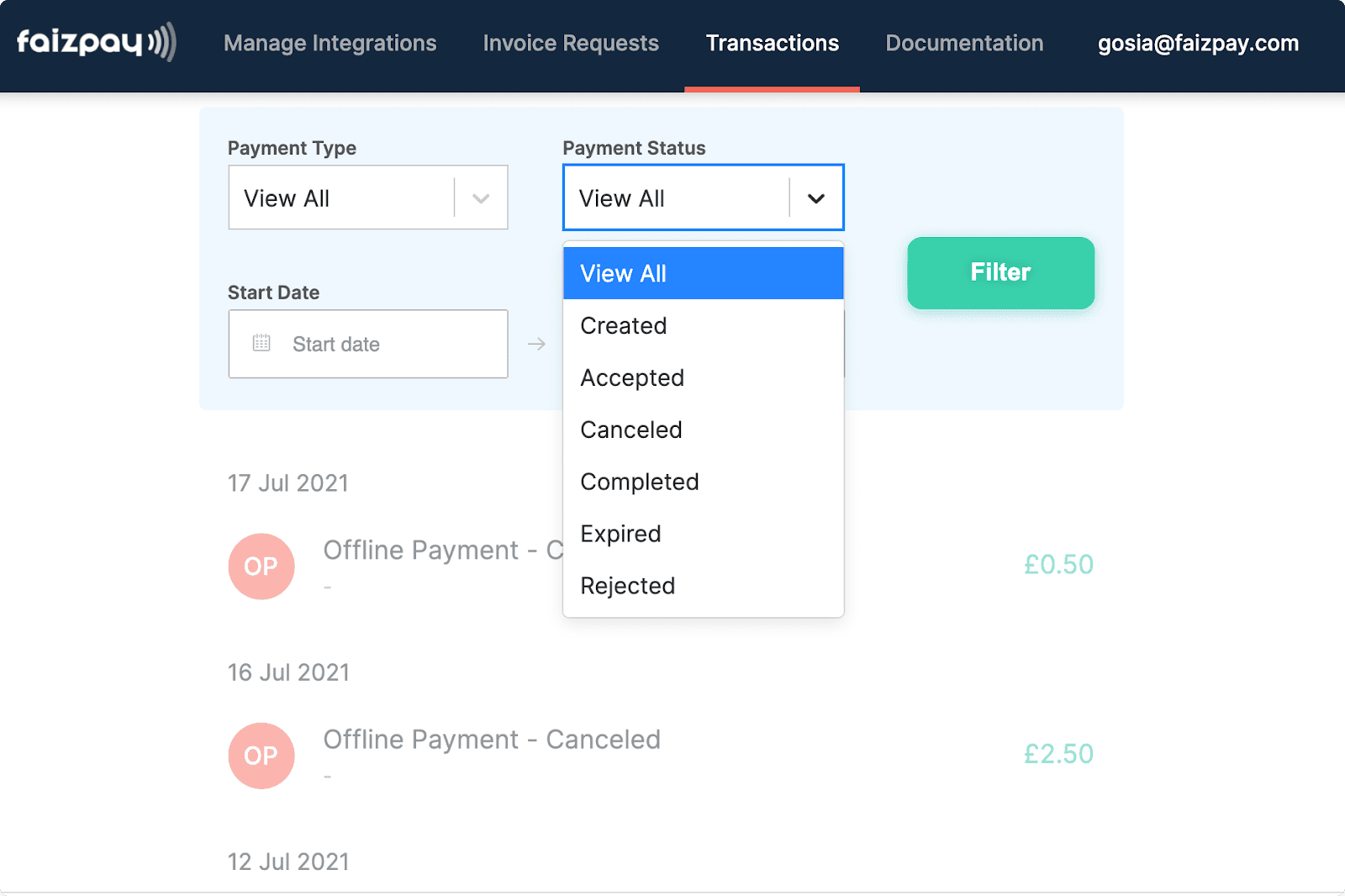
Payment status:
Created: any transaction where a unique payment token has been created and no further steps have been taken by a consumer
Accepted: any transaction where a consumer scanned a QR, initiated a payment online but hasn’t completed a transaction
Cancel: any transaction cancelled by a merchant
Completed: any transaction that has been completed
Expired: any transaction where a unique payment token has expired due to a transaction time limit reached
Rejected: any transaction rejected by either a consumer or a processing bank
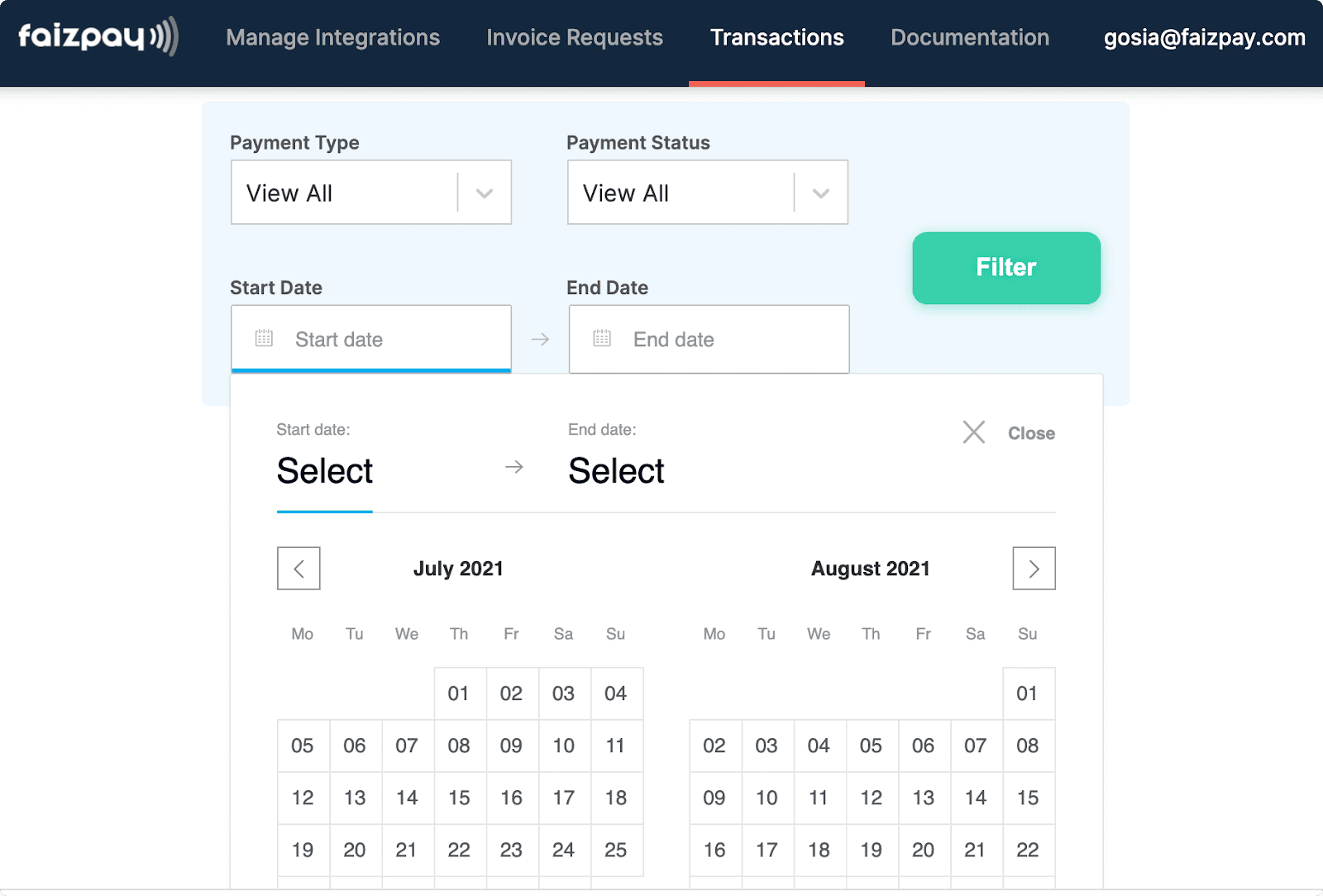
Time frame: you can pick a start date and an end date from the calendar.
Filter past transactions by payment type

Filter past transactions by payment status
Pick a start date and an end date form the calendar
Article by

Gosia Furmanik
CEO and Founder
Published on


